
Advanced
Job Logs
Background job status, retries, and failures
Job Logs
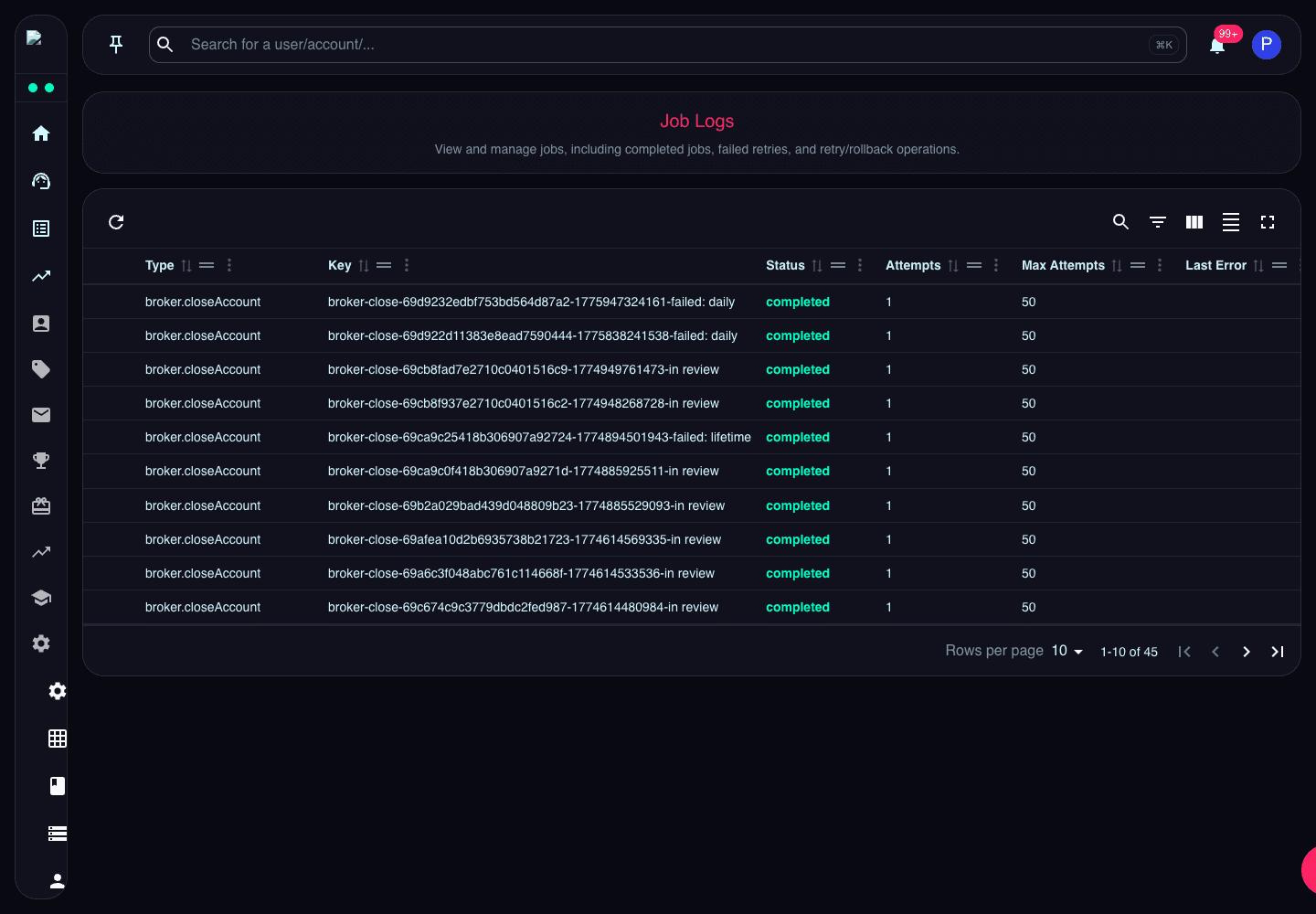
Job Logs show background work such as broker actions, retries, rollbacks, and completed jobs.
Use this page when checking whether an async action ran, failed, retried, or completed. The key and status columns are the fastest way to identify the relevant job.
What the Page Does
Job Logs provides an audit trail for automated work that happens after a user action, scheduled task, or system event. Examples include broker provisioning, payout automation, email jobs, webhook delivery, and recovery work after a failed operation.
Key Fields
- Type identifies the kind of job.
- Key links related attempts for the same business action.
- Status shows queued, running, completed, failed, or retried state.
- Attempts shows how many times the job has run.
- Error explains the latest failure when a job cannot complete.
- Created / Updated timestamps show when the job entered the queue and when it last changed.
When to Use It
Check Job Logs when a page action appears delayed, when broker state does not match the CRM, or when a support case needs proof that background processing completed.