
Education
Education System
Creating educational content for your traders
Education System
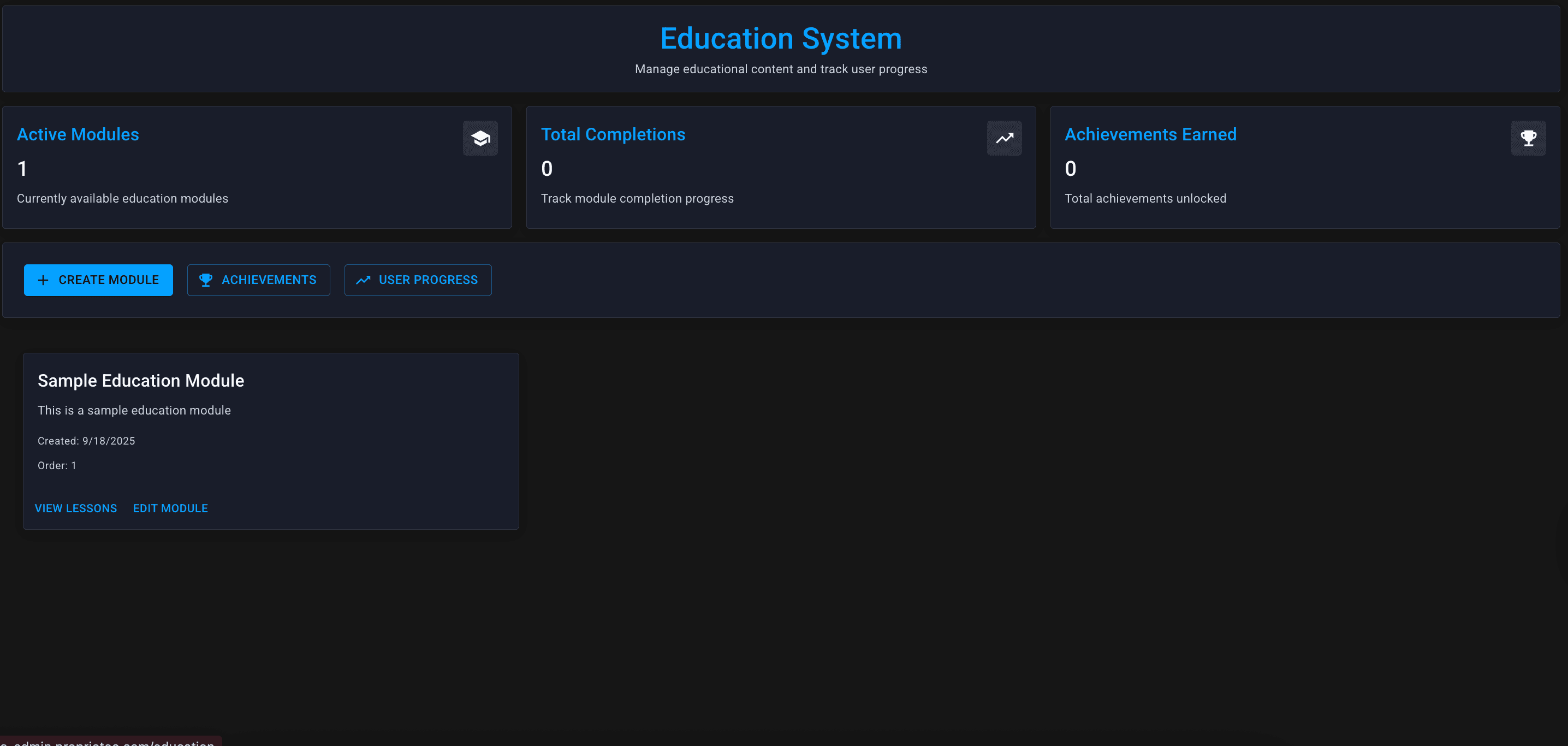
The Education System lets you create courses, modules, and achievements for your traders — viewable in their client dashboard.
Why Offer Education?
Overview Cards

| Card | What It Shows |
|---|---|
| Active Modules | Currently published educational modules |
| Total Completions | How many times modules have been completed |
| Achievements Earned | Total achievements unlocked by traders |
Key Features
Modules
Educational content units. Each module can contain:
- Video content — embedded videos or links
- Text content — written lessons, guides
- Quizzes — test understanding (optional)
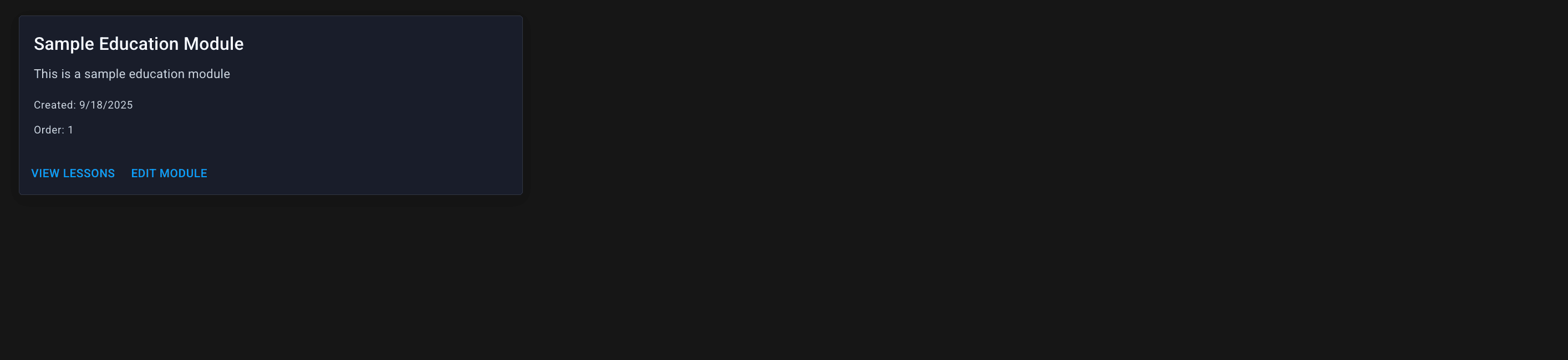
Traders access modules from their client dashboard and can track their progress.
Achievements
Gamification elements that reward engagement:
- Complete a module → earn achievement
- Pass certain milestones → earn achievement
- Custom achievements you define
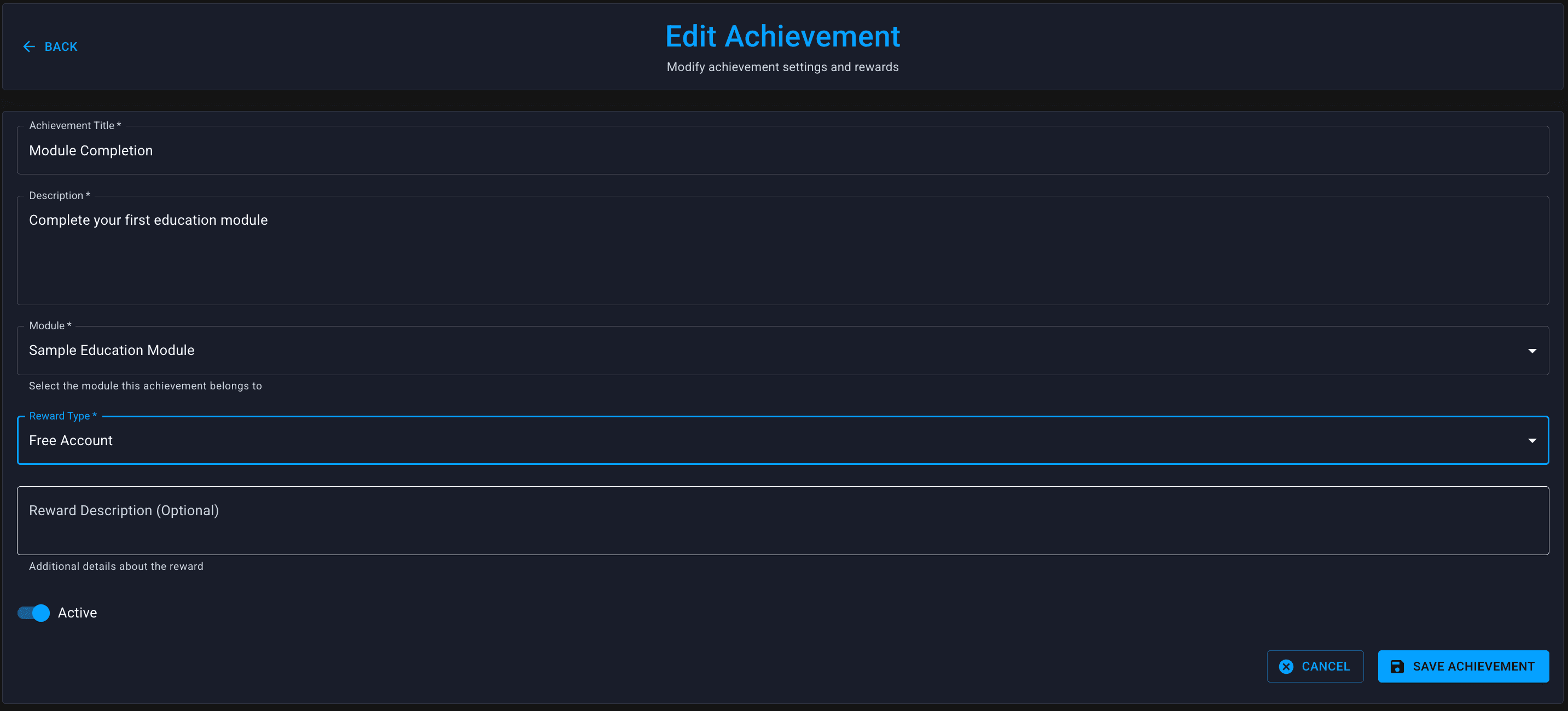
Achievements appear on trader profiles (depending on configuration) and encourage completion.
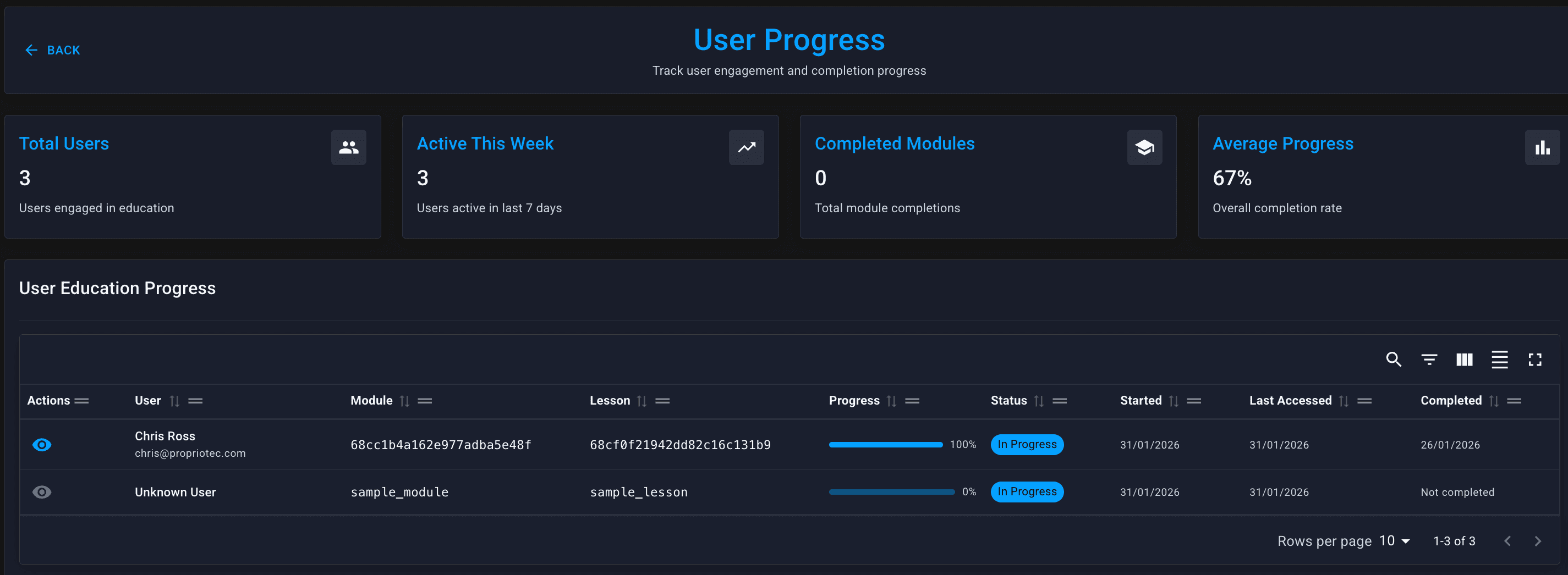
User Progress
Track which traders have:
- Started which modules
- Completed which modules
- Earned which achievements
Useful for:
- Seeing engagement with your content
- Identifying popular vs. ignored modules
- Following up with partially-completed traders
Creating a Module
Click + Create Module to start:
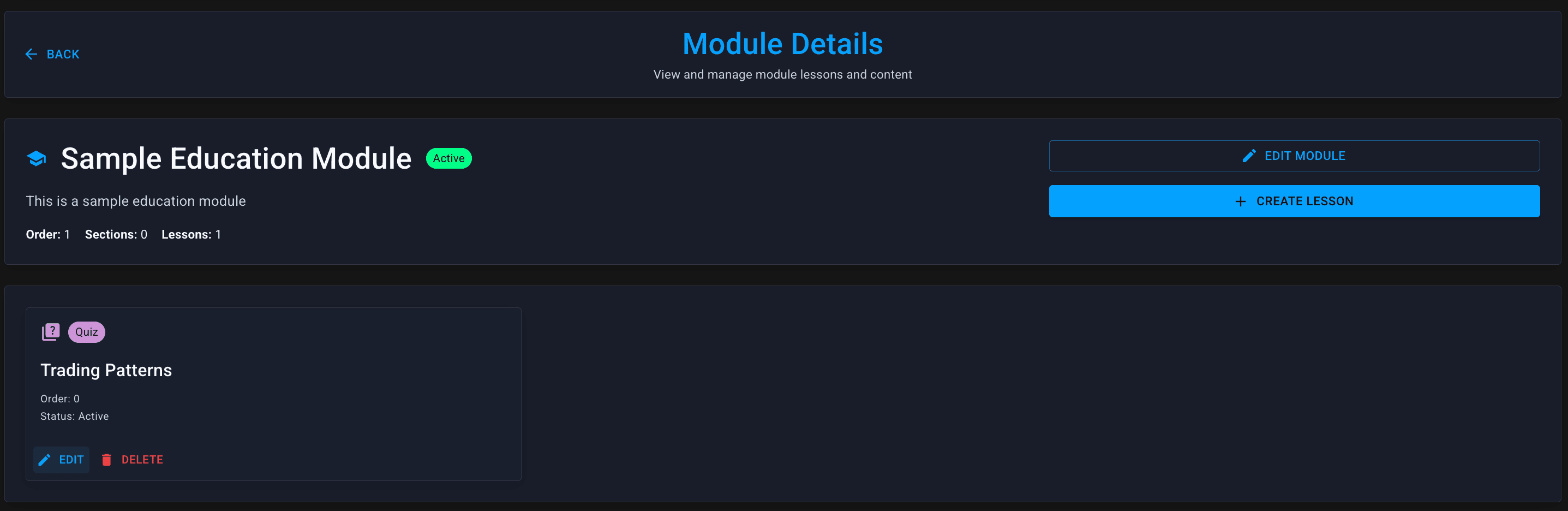
Module Details
| Field | What to Enter |
|---|---|
| Title | Module name (e.g., "Understanding Drawdown") |
| Description | Brief summary of what traders will learn |
| Content Type | Video, text, or combination |
| Content | The actual educational material |
Content Options
Video:
- Embed from YouTube, Vimeo, or hosted video
- Good for walkthroughs and explanations
Text:
- Written content with formatting
- Good for reference material and detailed explanations
Both:
- Video for overview, text for details
- Best for comprehensive modules
Managing Achievements
Click Achievements to manage:
Creating Achievements
| Field | What to Enter |
|---|---|
| Name | Achievement title (e.g., "Risk Master") |
| Description | What trader did to earn it |
| Icon | Visual representation |
| Trigger | What action unlocks it |
Achievement Triggers
- Module completion — finish a specific module
- Multiple completions — finish X modules
- Quiz score — achieve X% on a quiz
- Custom — based on trading activity (limited)
Viewing User Progress
Click User Progress to see:

| Column | What It Shows |
|---|---|
| User | Trader email |
| Modules Started | Number of modules they've begun |
| Modules Completed | Number they've finished |
| Achievements | Achievements earned |
| Last Activity | When they last engaged |
Using Progress Data
Content Ideas
Essential Modules (Recommended)
- Platform Overview — how to use the client dashboard
- Understanding Your Rules — drawdown, profit targets, trading days
- Risk Management Basics — position sizing, stop losses
- Common Mistakes — why traders fail and how to avoid it
- Payout Process — how withdrawals work
Advanced Modules (Optional)
- Strategy-specific content
- Market analysis techniques
- Psychology and discipline
- Advanced risk management
Compliance Modules (If Needed)
- Terms and conditions overview
- Prohibited activities
- What happens if you breach
Best Practices
Where Traders See This
Education appears in the Client Dashboard (the trader-facing portal).
Typical placement:
- Sidebar navigation item
- Homepage widget showing progress
- Achievement badges on profile
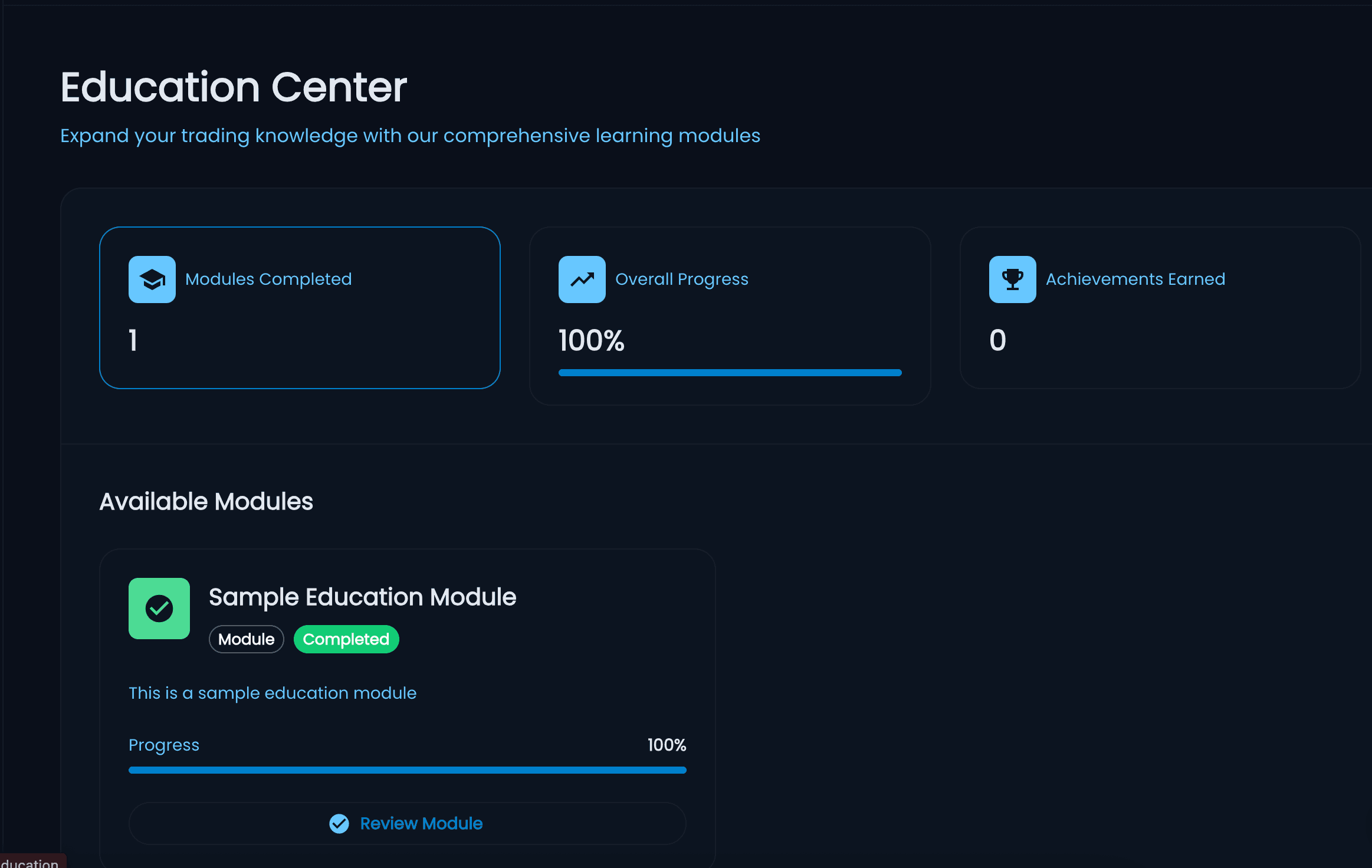
The exact appearance depends on your client dashboard configuration.