
Marketing
Notification Flows
Automated push notification workflows
Notification Flows
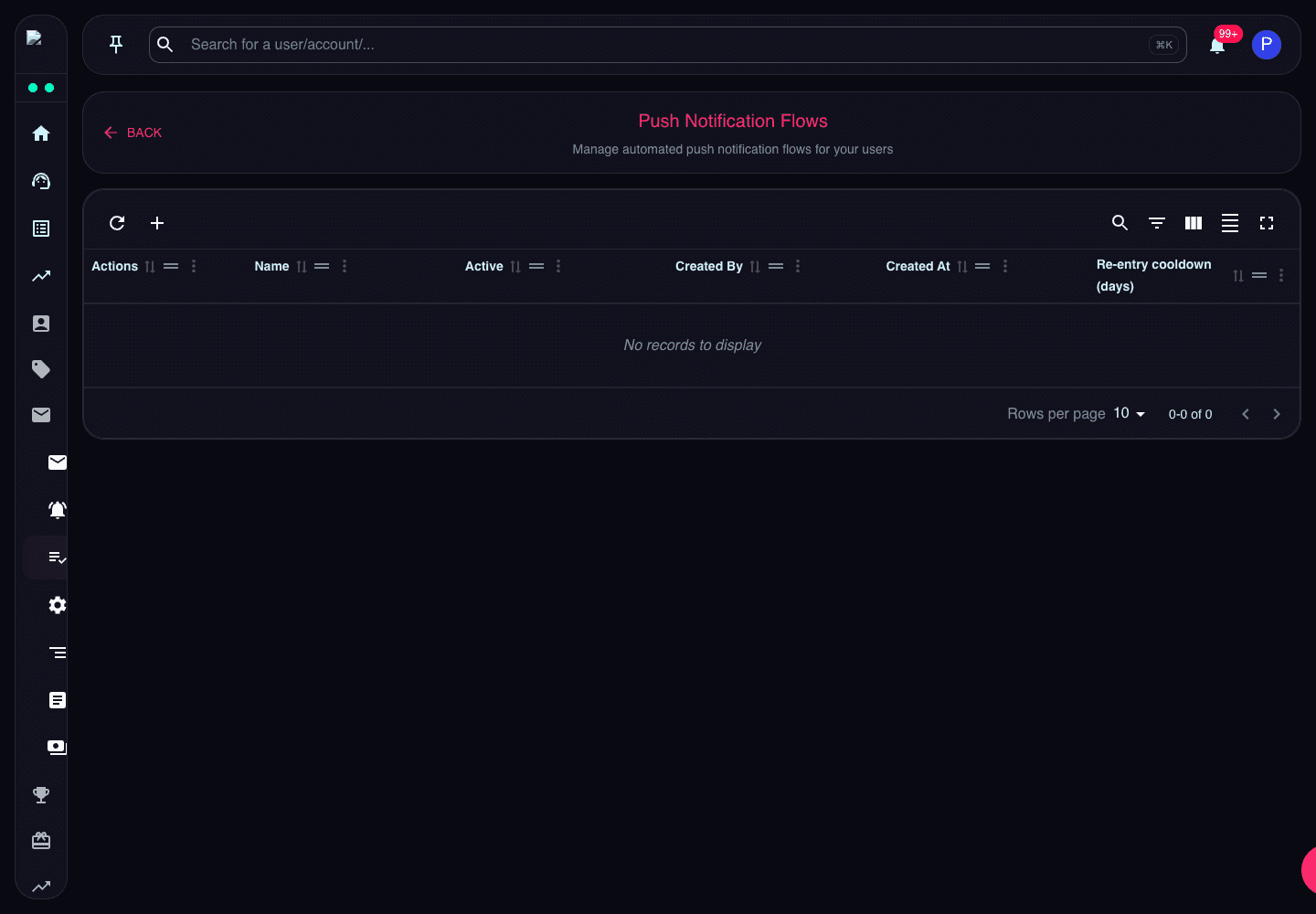
Notification Flows automate push notifications based on user behaviour or lifecycle events.
Review active state, creator, created date, and re-entry cooldown before enabling a flow.
What the Page Does
Notification Flows send push notifications automatically when a trader matches the configured trigger and target segment. They are best for repeatable lifecycle messaging, not one-off announcements.
Key Settings
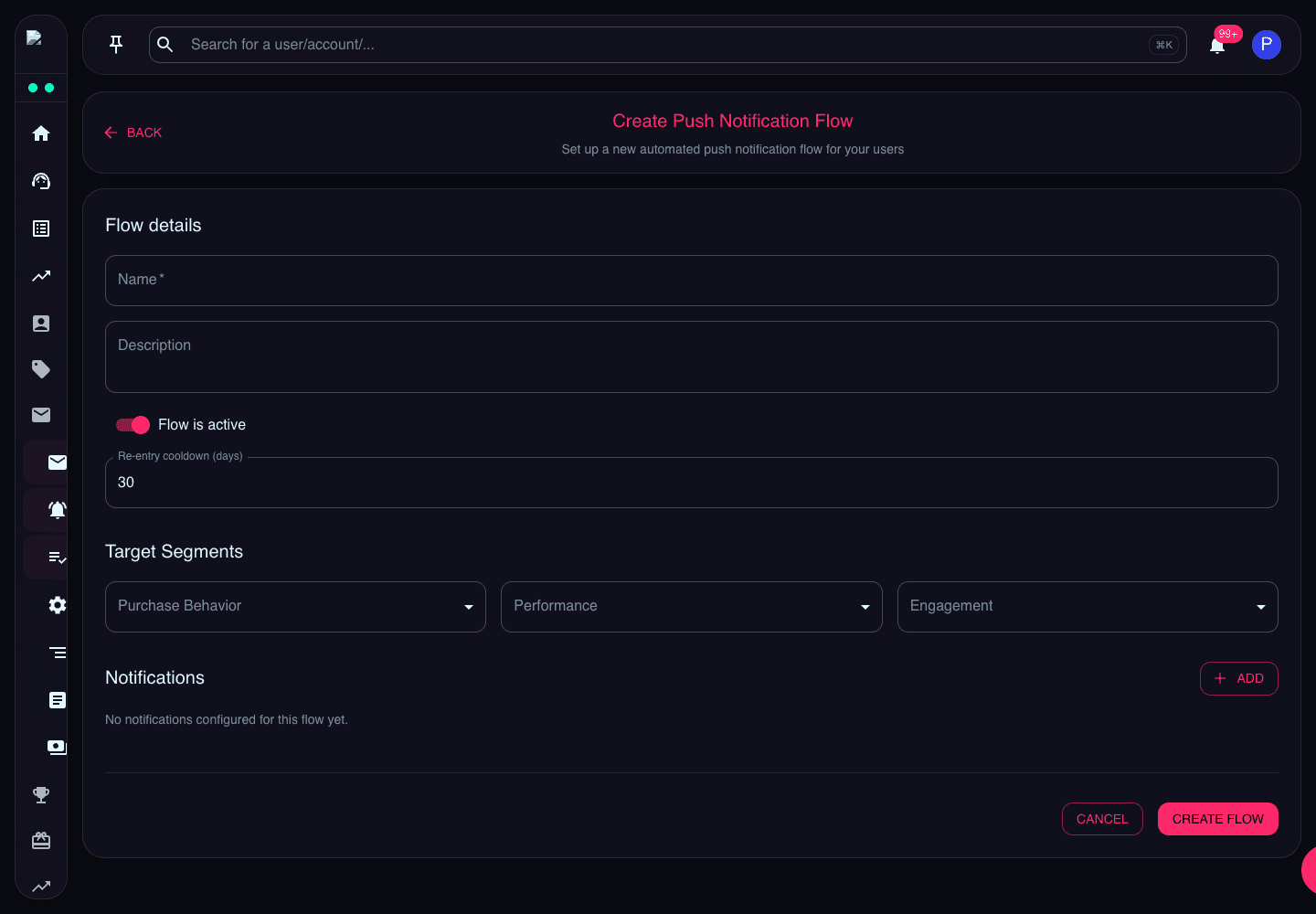
- Name identifies the flow in the admin list.
- Active controls whether the flow can send notifications.
- Target Segments define who can enter the flow.
- Re-entry Cooldown prevents the same trader from receiving the same automation too frequently.
- Notification Steps define the messages sent by the flow.
Review Guidance
Before enabling a flow, confirm the segment is narrow enough, the cooldown matches the campaign intent, and the message copy is still current.