
Dashboard Overview
Understanding your admin dashboard at a glance
Dashboard Overview
The dashboard is your landing page after login — a quick snapshot of your business before diving into tasks.
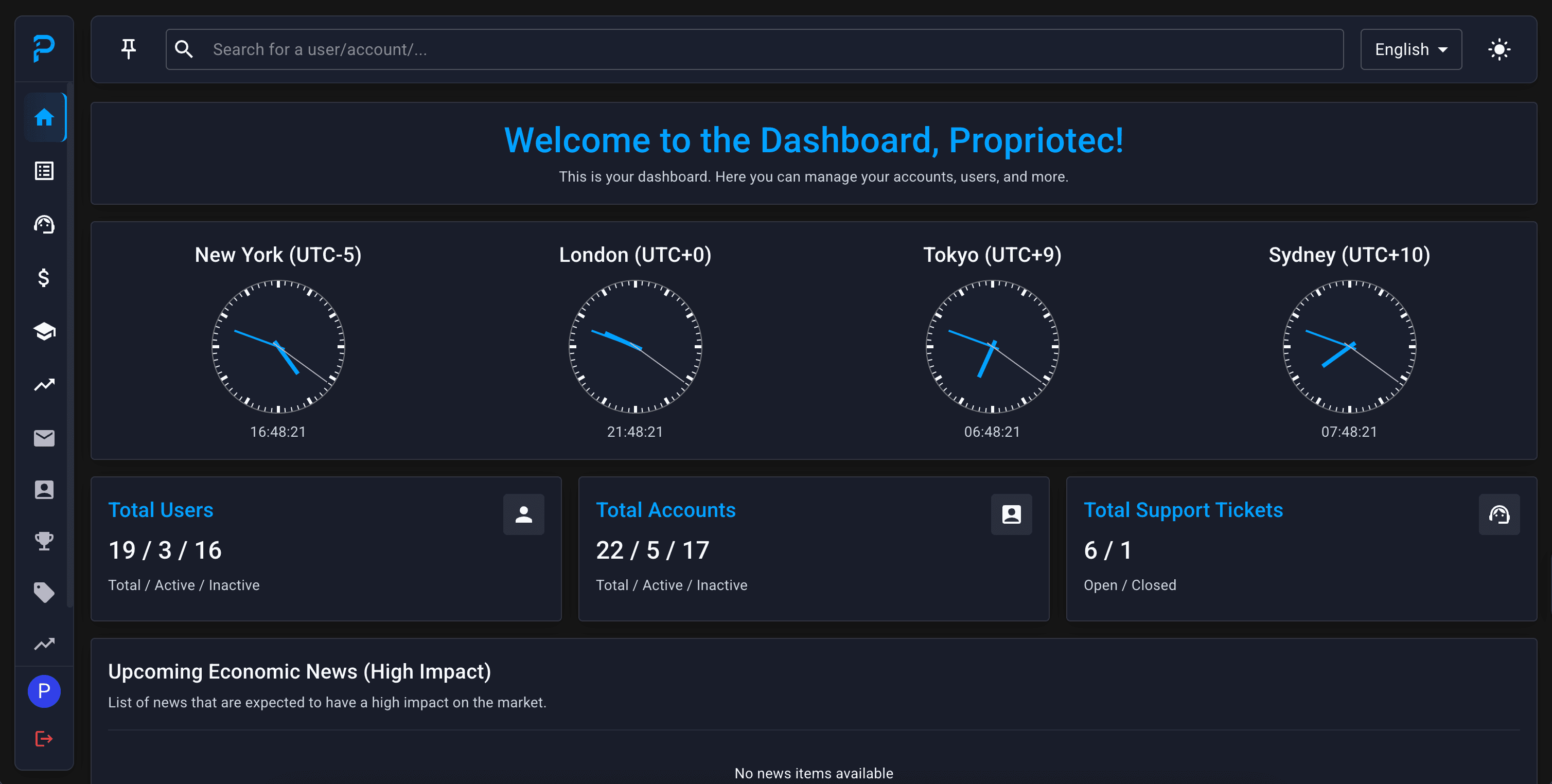
Summary Cards

At the top, you'll see three summary cards:
Total Users
| Metric | What It Shows |
|---|---|
| Total | All registered users ever |
| Active | Users with recent trading activity |
| Inactive | Users without recent activity |
Total Accounts
| Metric | What It Shows |
|---|---|
| Total | All trading accounts ever created |
| Active | Accounts currently in play (trading, in phases) |
| Inactive | Completed, breached, or dormant accounts |
Total Support Tickets
| Metric | What It Shows |
|---|---|
| Open | Tickets awaiting response |
| Closed | Resolved tickets |
A sudden spike in support tickets often indicates a platform issue, confusing policy, or something worth investigating.
World Clocks

Displays current time in major trading centres:
- New York (EST/EDT) — US markets
- London (GMT/BST) — European markets
- Tokyo (JST) — Asian markets
- Sydney (AEST/AEDT) — Pacific markets
Why this matters:
- Know when markets are open/closed
- Understand when your traders are most active
- Plan support coverage across time zones
- Daily drawdown resets at 5:00 PM EST — the clocks help you track this
Economic News

Pulls high-impact economic events from Forex Factory automatically.
Use this to:
- Anticipate market volatility
- Understand unusual trading patterns or spike in breaches
- Know when News Trading rules will trigger
Shows:
- Event name (e.g., "Non-Farm Payrolls")
- Currency affected (USD, EUR, etc.)
- Scheduled time
- Expected impact level (🔴 High / 🟡 Medium / 🟢 Low)
High-impact events can cause rapid price movements — expect more breaches and more support tickets around these times.
Changelog
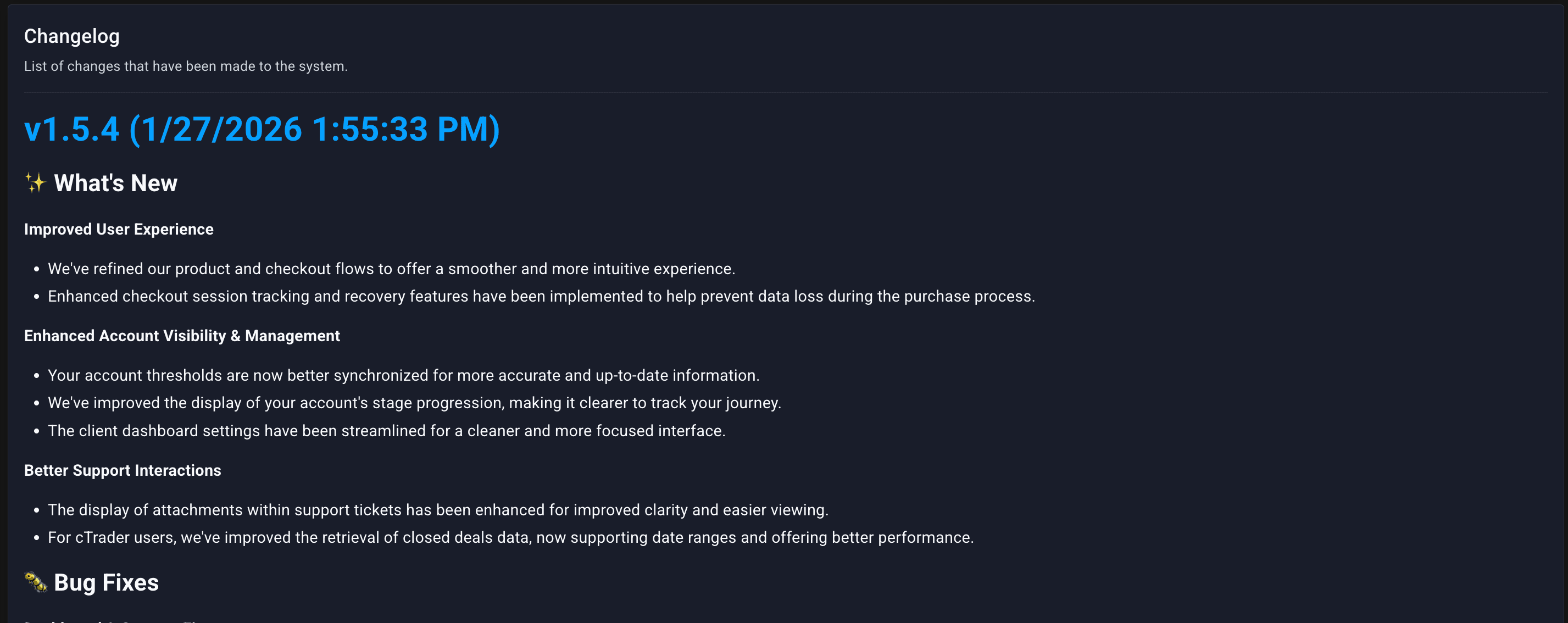
Shows recent Propriotec platform updates.
Check this for:
- New features you might not know about
- Bug fixes for issues you've reported
- Changes that might affect your workflow or your traders
Updates are pushed regularly — glancing at this keeps you informed.
What's Not on the Dashboard
The dashboard is intentionally a summary. For actual work, go to:
| Need | Go To |
|---|---|
| Process pending work | Tasks |
| Detailed analytics | Statistics |
| Funded account liability | Profit |
| Handle support | Support |
| Investigate fraud | Risk Management |