
Platforms
Platform Settings
Broker and platform connection settings
Platform Settings
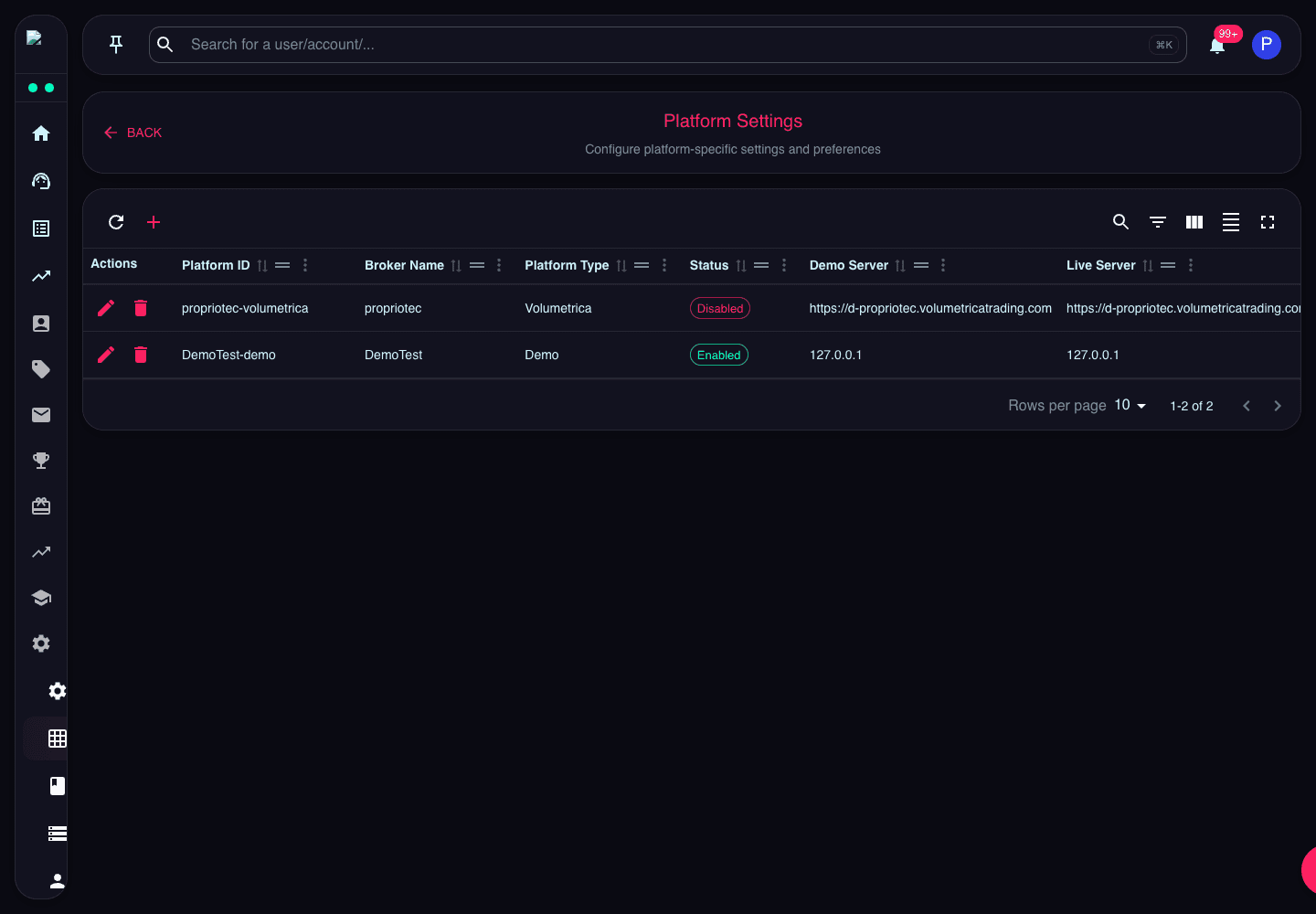
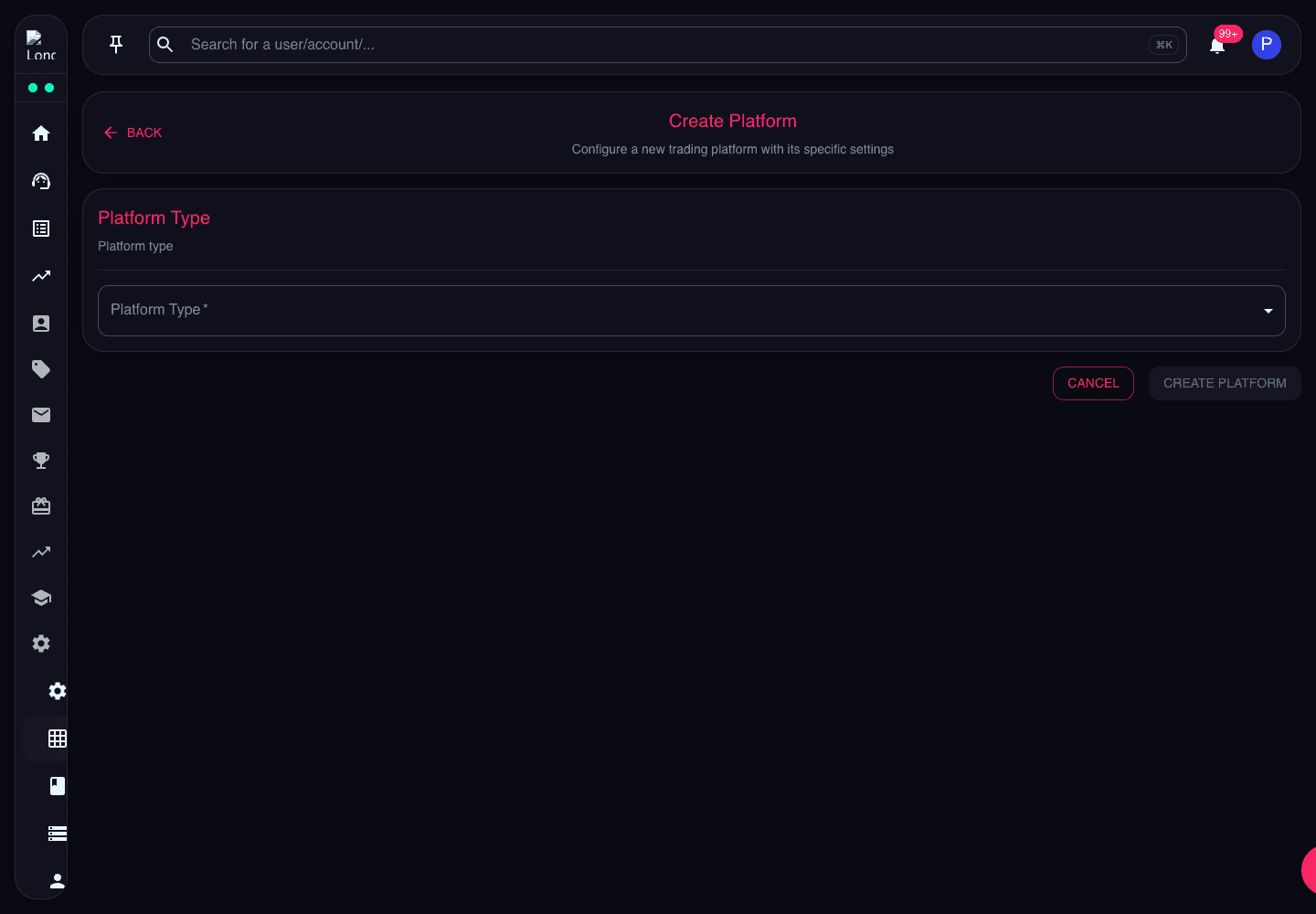
Platform Settings lists configured trading platforms and broker connection metadata.
Check demo/live servers, logins, UTC offset, status, and broker name when diagnosing account creation or broker connectivity.
What the Page Does
Platform Settings stores the broker connection records used by account creation, sync, migration, and platform-specific tooling. Each record describes how Propriotec should connect to a broker platform.
Key Fields
- Platform ID is the saved platform key used by other settings.
- Broker and Platform Type identify the provider and platform family.
- Status controls whether the platform should be considered available.
- Server URLs and Logins define connection details.
- UTC Offset affects broker time interpretation.
- Bin Group supports broker-side account grouping where applicable.
Review Guidance
Verify platform status and server fields before changing products, plans, or platform groups. Downstream account creation depends on this configuration.