
Settings
Client Dashboard
Trader-facing dashboard configuration
Client Dashboard
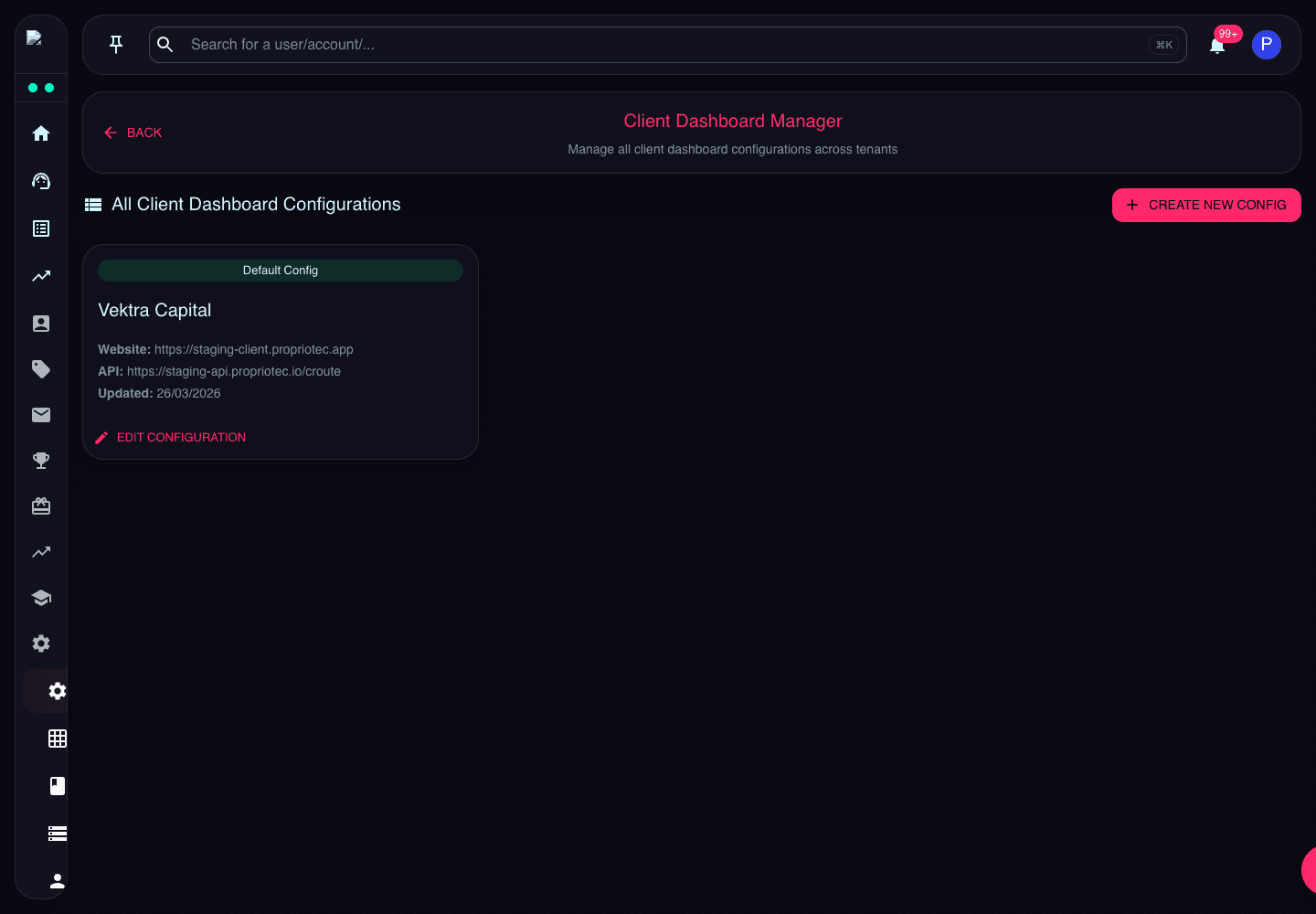
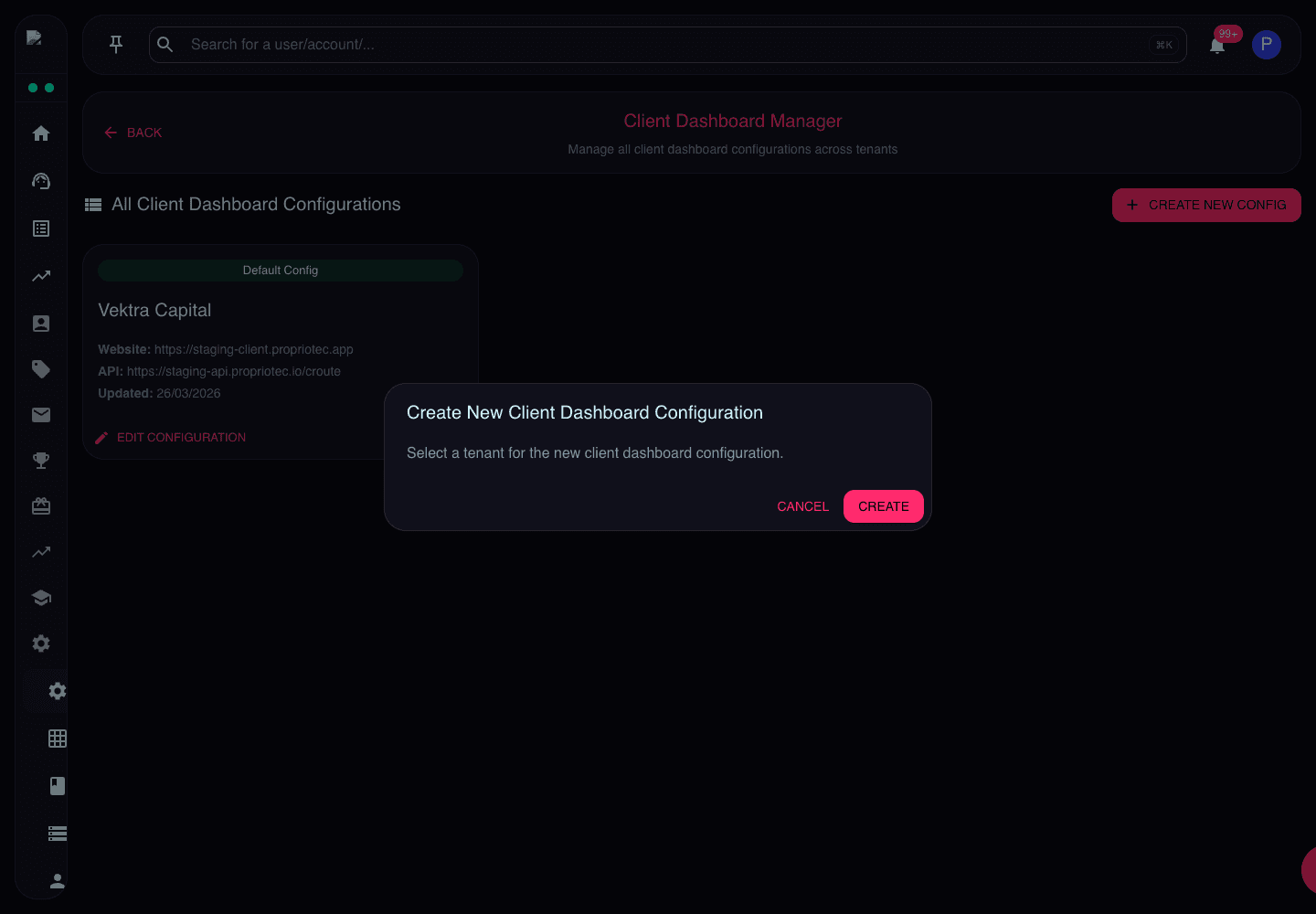
Client Dashboard Manager controls tenant-facing dashboard configuration.
Use it to review website URL, API route, updated date, and dashboard configuration before editing client-facing settings.
What the Page Does
Client Dashboard Manager stores configuration for the trader-facing dashboard. This can include public website URL, API URL, dashboard behaviour, and tenant-specific presentation settings.
Review Guidance
Confirm the tenant before creating or editing dashboard configuration. Changes here can affect what traders see after login.