
Settings
User & Role Management
Admin accounts and permissions
User & Role Management
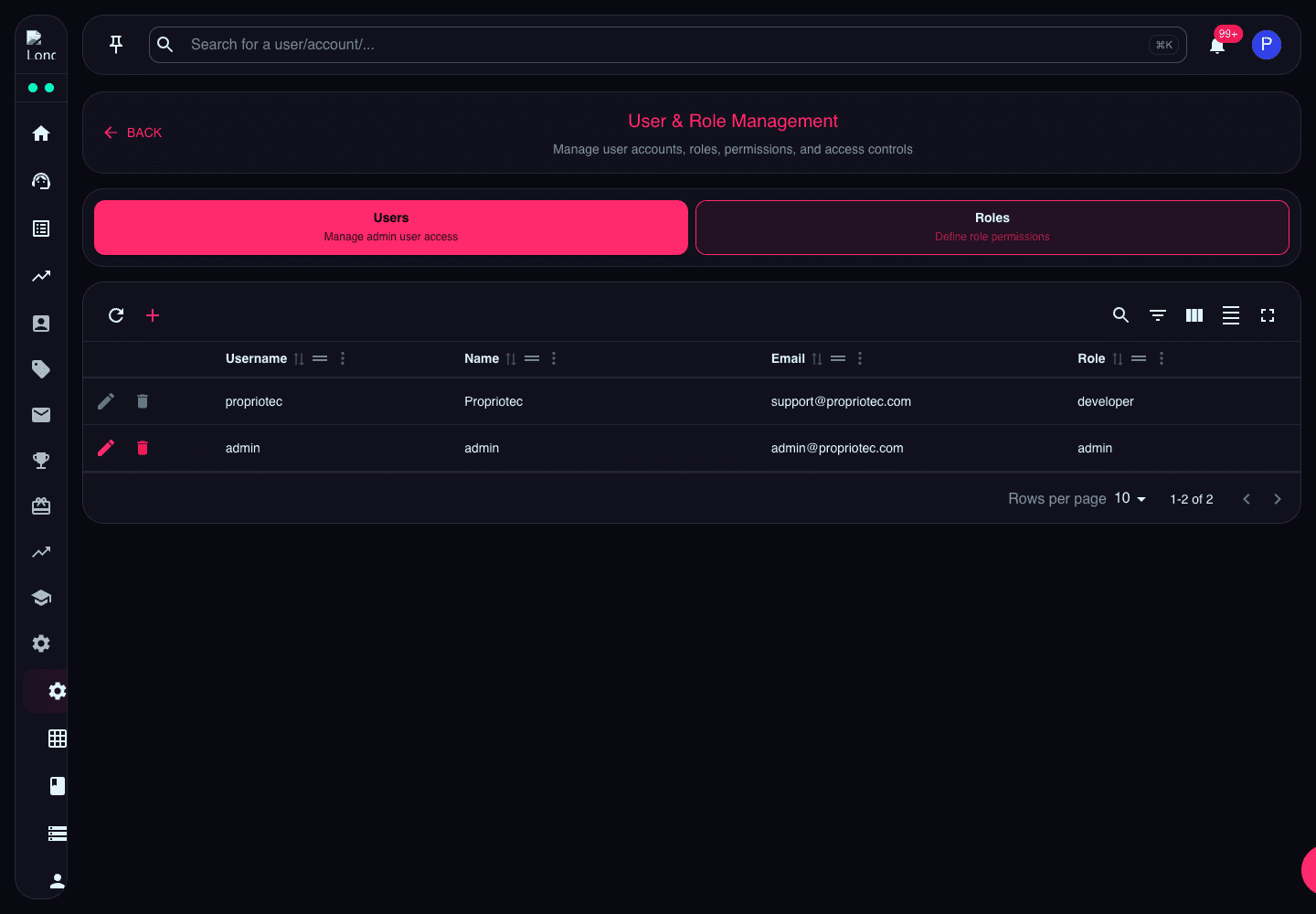
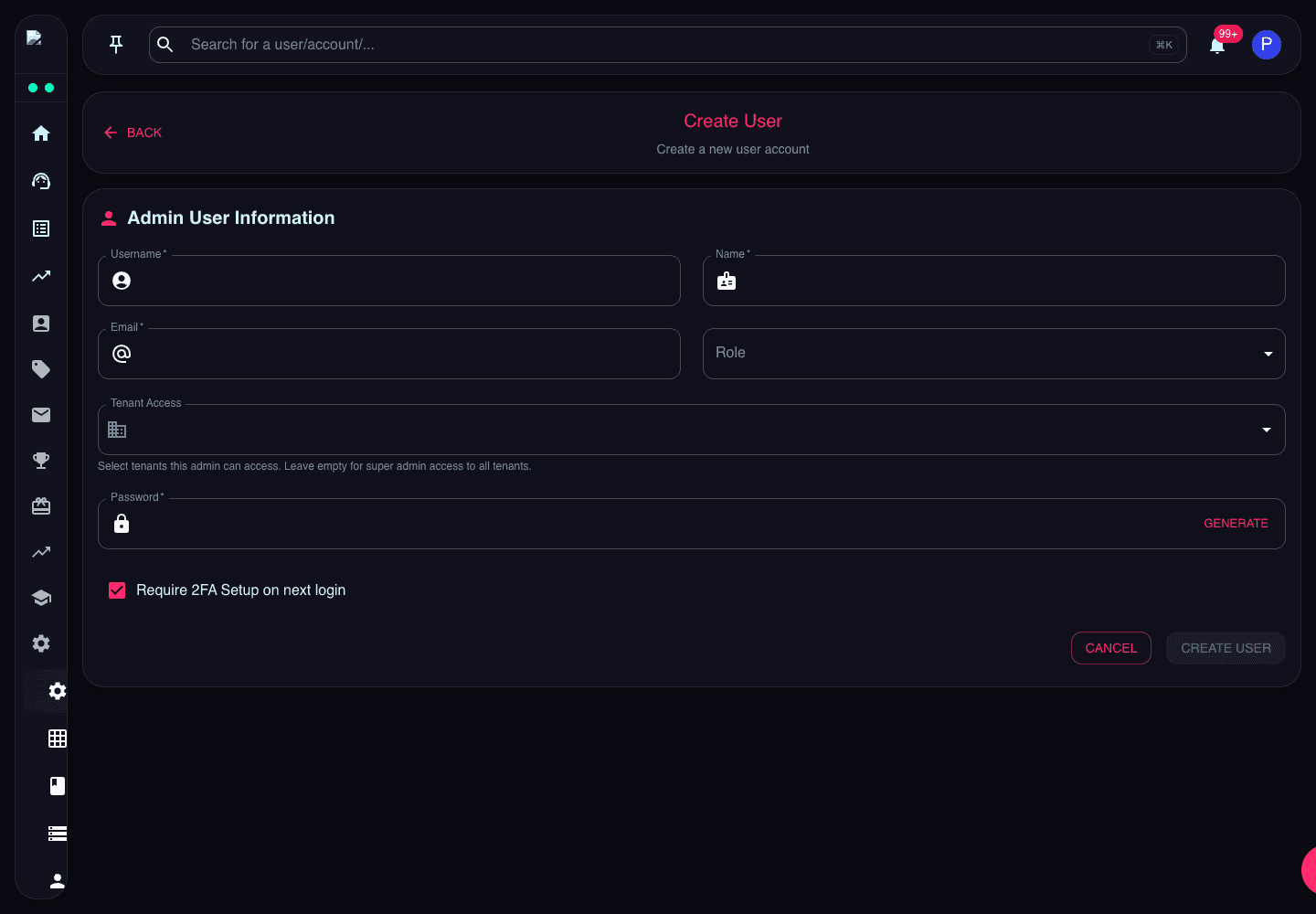
Manage admin users and define role-based permissions to control who can access different parts of the platform.
Admin Users
Create and manage admin user accounts. Each admin can be assigned specific roles and permissions.
Role Configuration
Define custom roles with specific permissions. Control access to features, data, and actions based on role assignments.
Permission Levels
Set granular permissions including view, create, edit, delete, and approve for different platform features and data types.