
Email Settings
SMTP and email templates
Email Settings
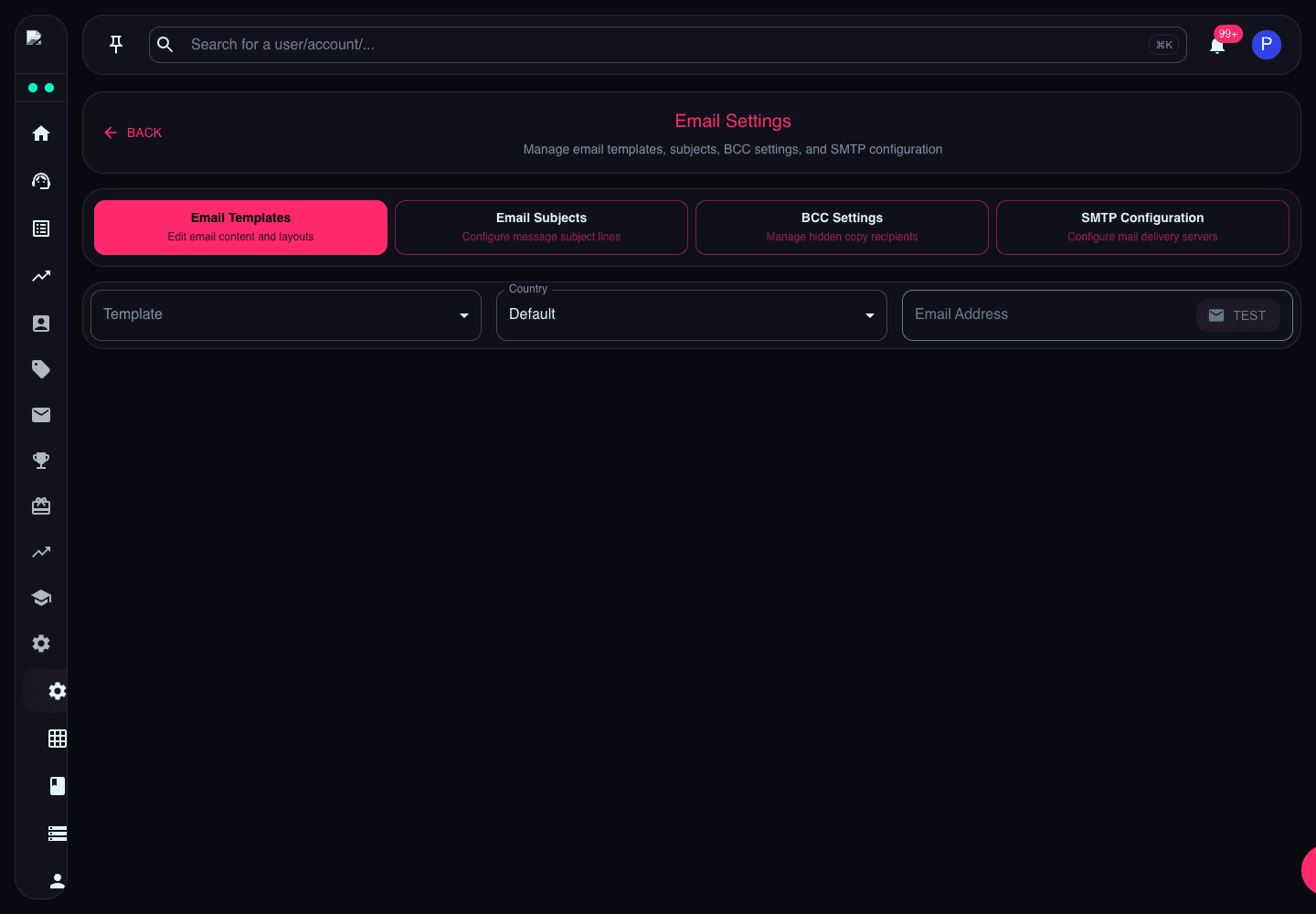
Configure email delivery settings including SMTP servers, sender information, and email templates for all platform communications.
SMTP Configuration
Set up SMTP server details including host, port, authentication credentials, and encryption settings for reliable email delivery.
Gmail SMTP Settings
Host: smtp.gmail.com
Port: 587 (TLS) or 465 (SSL)
Username: [email protected]
Password: App-specific password
Encryption: TLS/SSL
Note: You'll need to generate an app-specific password in your Google Account settings.
SendGrid SMTP Settings
Host: smtp.sendgrid.net
Port: 587 or 465
Username: apikey
Password: Your SendGrid API Key
Encryption: TLS/SSL
SendGrid offers better deliverability and detailed analytics.
AWS SES SMTP Settings
Host: email-smtp.us-east-1.amazonaws.com
Port: 587 (TLS) or 465 (SSL)
Username: Your SMTP username
Password: Your SMTP password
Encryption: TLS/SSL
Cost-effective for high-volume sending with excellent deliverability.
Custom SMTP Server
Host: mail.yourdomain.com
Port: 587 or 465
Username: your-username
Password: your-password
Encryption: TLS/SSL
Use your own mail server for complete control.
Email Templates
Customize email templates for all platform communications. Templates are organized by category:
Sender Configuration
Configure sender name, email address, and reply-to settings. Set up domain authentication with SPF, DKIM, and DMARC for better deliverability.