
Sales & Payouts
Payouts
Payout history and management
Payouts
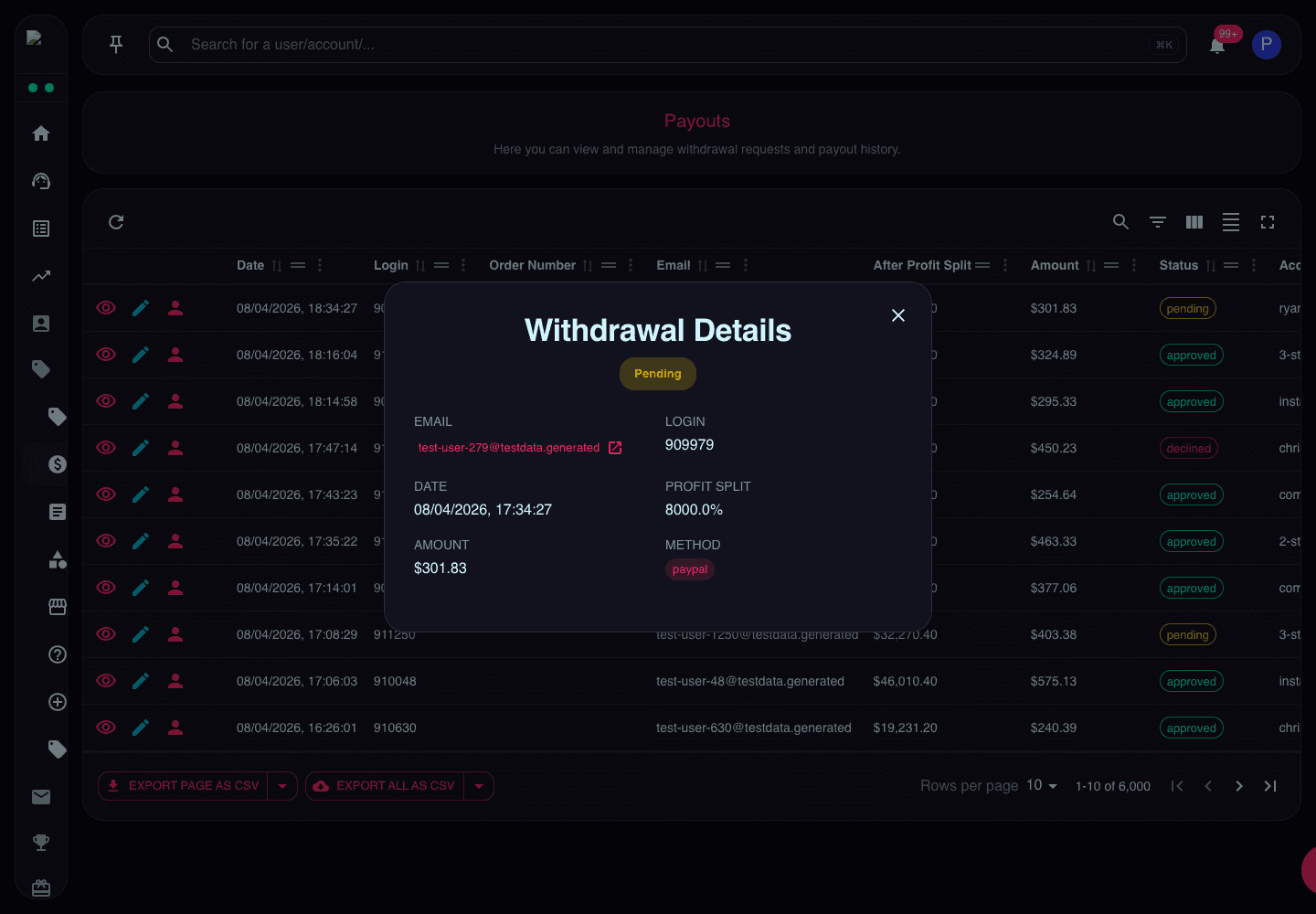
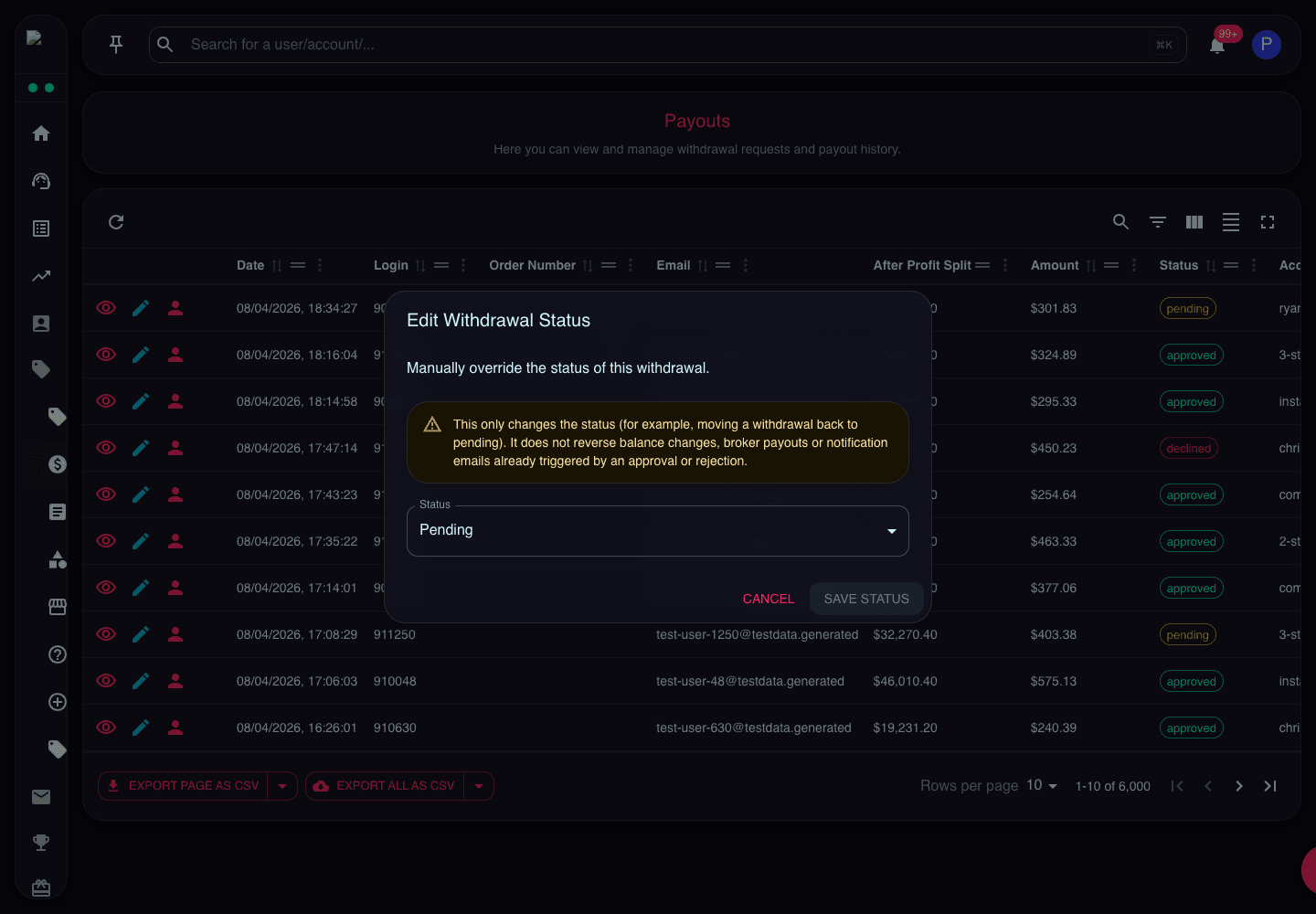
The Payouts page tracks all withdrawal requests from funded traders. This is where you monitor payout obligations and process payments.
Payout List
The payout list displays:
- Payout ID - Unique identifier
- Trader - Name and email
- Account - Which account is withdrawing
- Amount - Withdrawal amount
- Status - Pending, approved, paid, rejected
- Request Date - When trader requested
- Payment Method - How they want to be paid
Payout Statuses
Pending
- Awaiting admin review
- Appears in Tasks queue
- Not yet approved
Approved
- Admin approved
- Ready to process payment
- Waiting for payment execution
Paid
- Payment sent to trader
- Transaction complete
- Confirmation provided
Rejected
- Request denied
- Reason provided to trader
- Amount remains in account
On Hold
- Requires additional verification
- Investigation in progress
- Temporary status
Payout Details
Click into a payout to see:
Request Information
- Amount requested
- Request date and time
- Trader's available balance
- Profit split percentage
- Net payout amount
Account Information
- Account ID and login
- Current balance
- Total profit generated
- Previous payouts
- Account status
Payment Details
- Payment method selected
- Bank details or wallet address
- Trader's payment information
- Transaction fees
Review Checklist
- Account in good standing?
- Sufficient profit available?
- Recent trading activity normal?
- Payment details verified?
- KYC completed?
Processing Payouts
To process a payout:
- Review Request - Check all details
- Verify Account - Ensure no violations
- Confirm Amount - Verify calculation
- Check Payment Details - Ensure correct
- Approve - Move to payment processing
- Execute Payment - Send via chosen method
- Mark as Paid - Update status
- Notify Trader - Confirm payment sent
Payment Methods
Common payout methods:
Bank Transfer
- Most common
- 1-3 business days
- May have fees
- Requires bank details
PayPal
- Fast (instant to 24 hours)
- Convenient for traders
- PayPal fees apply
- Requires PayPal email
Cryptocurrency
- Fast (minutes to hours)
- Lower fees
- Requires wallet address
- Verify address carefully
Wire Transfer
- For large amounts
- International transfers
- Higher fees
- Slower (3-5 days)
Payout Frequency
Configure payout rules:
- Minimum Amount - Minimum withdrawal (e.g., $100)
- Frequency - How often traders can withdraw (e.g., weekly, monthly)
- Processing Time - How long approval takes (e.g., 1-3 business days)
- Fees - Who pays transaction fees
Payout Calculations
Typical payout calculation:
Account Balance: $10,000
Starting Balance: $8,000
Profit: $2,000
Profit Split: 80%
Trader Payout: $2,000 × 80% = $1,600
Some firms use different models:
- Profit split on total profit
- Profit split on withdrawn profit only
- Tiered splits (higher % for more profit)
Fraud Prevention
Watch for payout fraud:
- Requests immediately after passing
- Unusual trading patterns before request
- Mismatched payment details
- Multiple requests in short time
- Accounts with risk flags
Reporting
Track payout metrics:
- Total paid out (monthly/yearly)
- Average payout amount
- Payout to revenue ratio
- Processing time metrics
- Payment method breakdown